


-
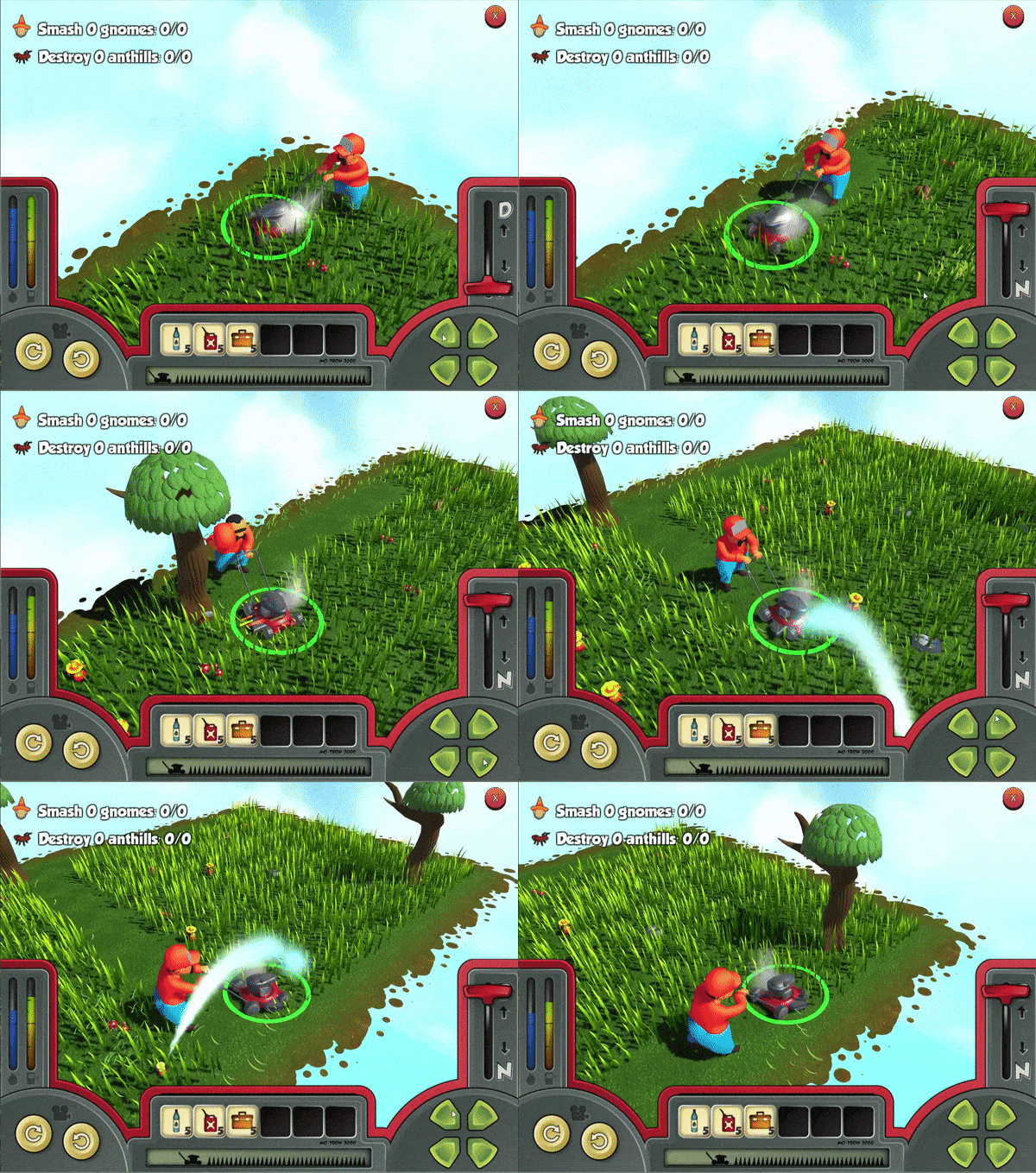
Lawn Care Simulation
-
Unity
-
iOS/Android
-
Role: Lead Scripter
-
Team Size
-
Designers 6
-
Artists 4
-
Animators 2
-
I was the Lead Scripter for Pancho's Lawn Service, a Unity project with a team of Six Designers, Four Artists, and Two Animators. In addition to writing most of the base functionality for the game I was in charge of assigning the work each scripter would be responsible for. I mentored and gave feedback on scripts, design, and art for each team member. I also was in charge of Unity Animation Implementation, Design Documentation, and Code Review.
SCRIPTING SAMPLES
Unity C# Script
PacnchoController
It's used to control the player character, Pancho, through the game. The player can control the mowing speed and direction.
DamageObject
Controls when, and how, the object reacts to the player.
sTile
The Tile script is at the heart of Pancho's movement.


Behind the screens the script controls where the player can and cannot go. It keeps track of player intent with directions. Also, it handles the animations.
The functionality of the script is to allow players to do things like, mow grass, run over rocks, hit lawn gnomes, and other fun things the player may do while mowing the lawn.
The script only runs at the start of a level. It uses raycasts to reach out and touch each tile that is next to it. This tells the tile which tiles Pancho can go to when he is moving from one tile to the next.
Design Documentation
This document shows how the game loads from the front end to in game, the requirements of the scripts for them to work, and how to implement them.

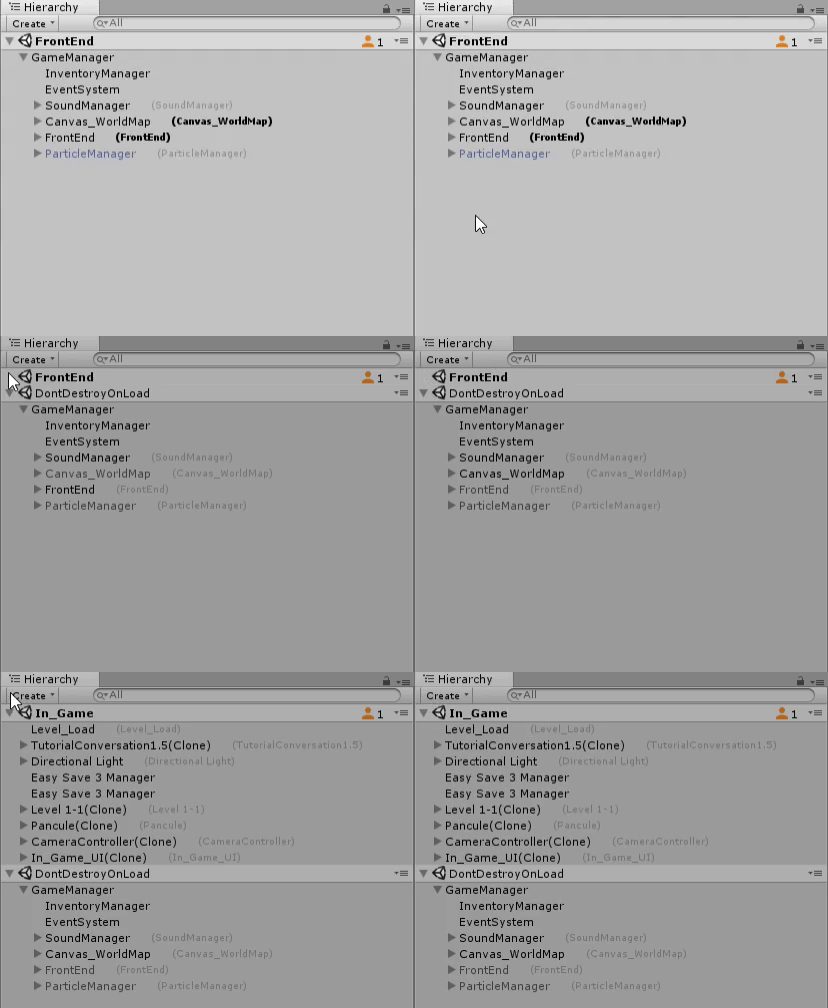
This is an example of design documentation I created for the team. It shows the logical flow and relationships of how the game works from a functionality standpoint. It was also used as a tool when creating a new script to make sure it worked with the game as a whole.
Download The Unity Project Files
